
Flipping is Hard Controls & How to Jump Guide — Physics Tips
Master Flipping is Hard controls, jump angles, hinge momentum, and flat-face landing recovery. Stop tumbling down the Trashlands with these physics tips.
How Do Controls and Jump Physics Work in Flipping is Hard?
Unlike traditional platformers where a character jumps straight up regardless of posture, Flipping is Hard simulates a rigid 2000s Flippia 3310 brick phone with uneven mass distribution, beveled plastic edges, and a protruding top antenna stub. Every input applies rotational torque and linear impulse relative to which face of the phone is currently touching the ground.
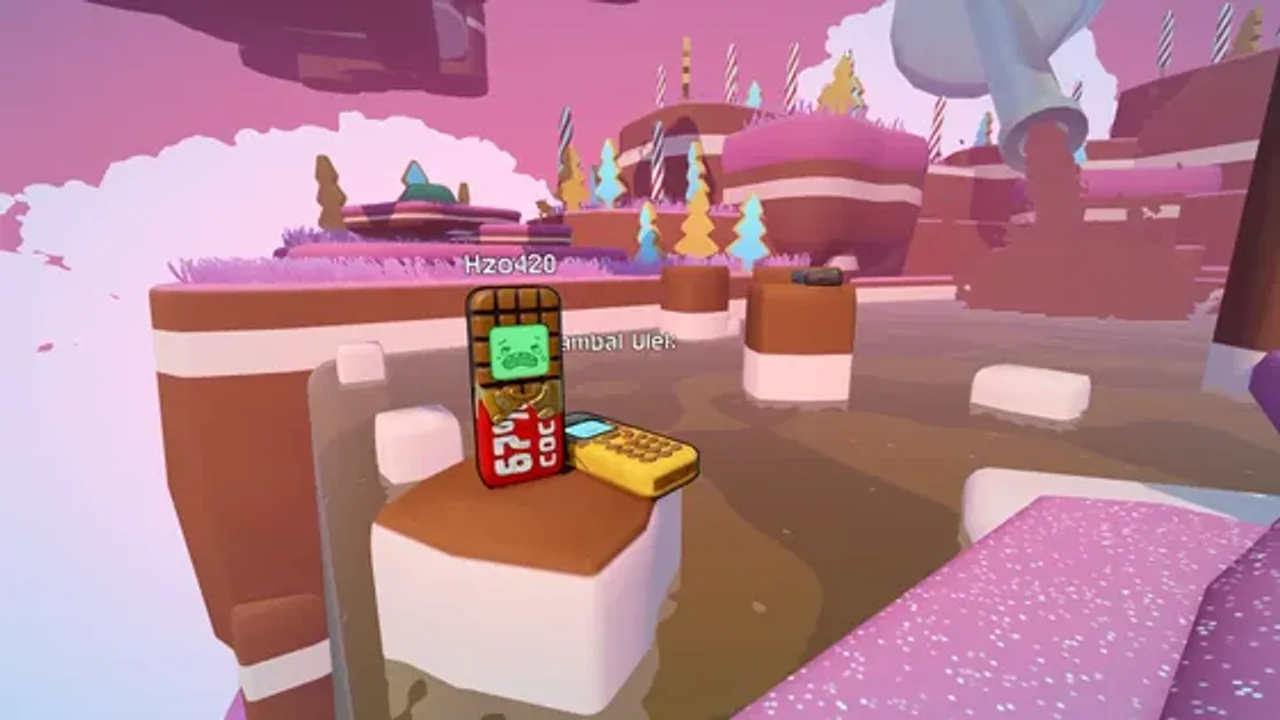
Here is the core control reference for keyboard and controller climbers:
| Action | Keyboard / Mouse | Controller (Gamepad) | Tactical Purpose |
|---|---|---|---|
| Flip / Jump Impulse | Space / Left Click |
A (Xbox) / Cross (PS) |
Launches Flippy along its current surface contact angle. |
| Directional Tilt / Lean | W A S D |
Left Stick | Shifts torque before launch and adjusts pitch alignment in flight. |
| Camera Orbit | Mouse Movement | Right Stick | Lines up depth perception for narrow pipes and vertical gaps. |
| Open Phone OS | Tab |
View / Select |
Opens the LCD menu for redeem codes and built-in mini-games. |
| Activate Help Beam (Co-op) | E / Interact |
X / Square |
Deploys or latches onto the multiplayer Help Beam. |
How Do You Jump Higher and Stop Flipping Backward?
The #1 reason new players tumble back into The Storm Drain is panic-mashing the jump button while Flippy is still wobbling from the previous landing. Because Flippy is shaped like a rectangular brick, three physical states dictate every jump:
- Flat-Face Rest (Standard Forward Arc): When Flippy lies completely flat on its front keypad or rear battery cover, your impulse fires cleanly upward and forward. Always wait the extra 0.4 seconds for micro-bounces to stop before launching across a gap.
- The Antenna / Bottom-Edge Hinge Bounce (High Vertical Lift): When Flippy rocks onto its narrow bottom edge or top antenna corner, the contact point acts as a pivot spring. Pressing jump at the exact frame the vertical brick tilts toward the target ledge converts rotational torque into maximum vertical height—essential for clearing tall cardboard boxes in Level 2: Cardboard Fort.
- Side-Bevel Roll (Danger State): Landing on Flippy’s thin left or right side rails causes the phone to cartwheel like a coin. Never press jump while cartwheeling on a side rail, or the impulse will shoot you sideways off the platform.
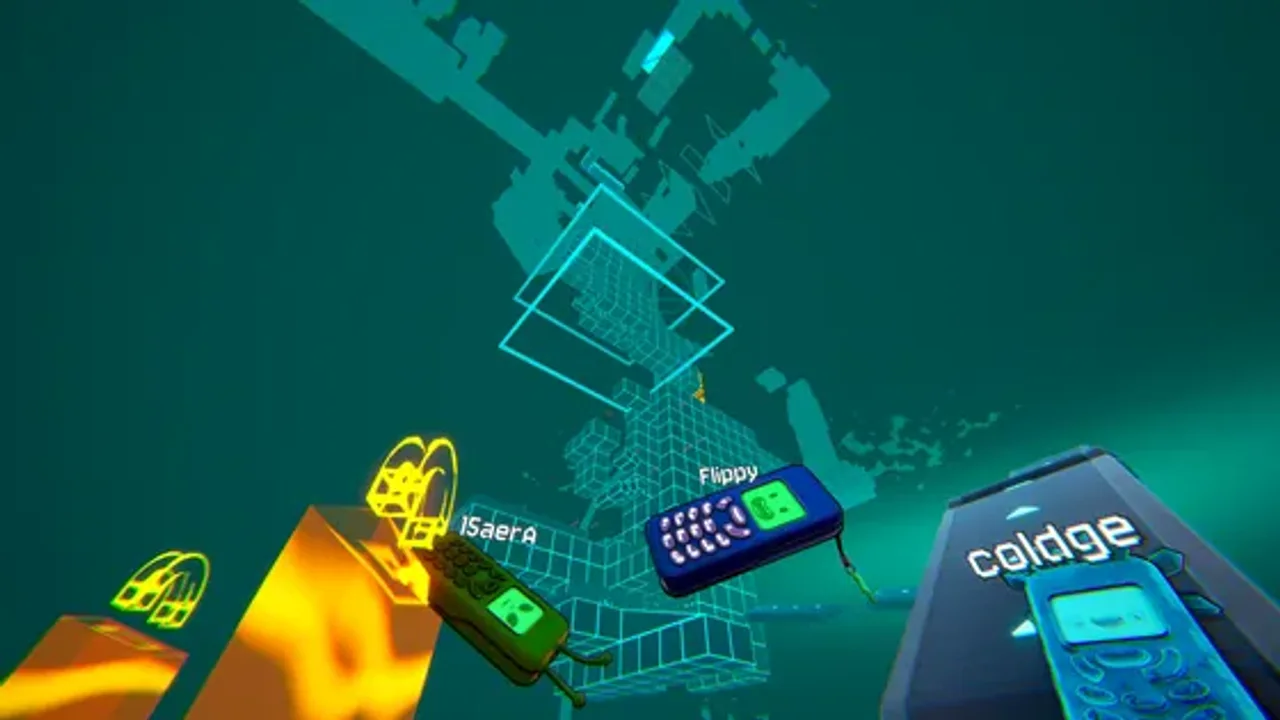
How Do You Land Flat on Narrow Ledges?
Stick-the-landing discipline separates 2-hour clears from 15-hour rage sessions. As Flippy approaches the apex of a jump, watch its silhouette against the target platform:
- Feather your tilt before touchdown: Aim to have the wide flat back cover or front screen parallel to the platform roughly half a phone-length above impact.
- Avoid corner-first impacts near edges: If a corner hits first within 10 cm of a drop-off, the secondary recoil bounce will flip the brick one extra half-turn over the ledge.
- Use backstops whenever available: In zones like The Toy Chest and The Fridge, deliberately overshoot into a vertical wall or box side so the wall kills your forward momentum and drops Flippy flat onto the shelf.
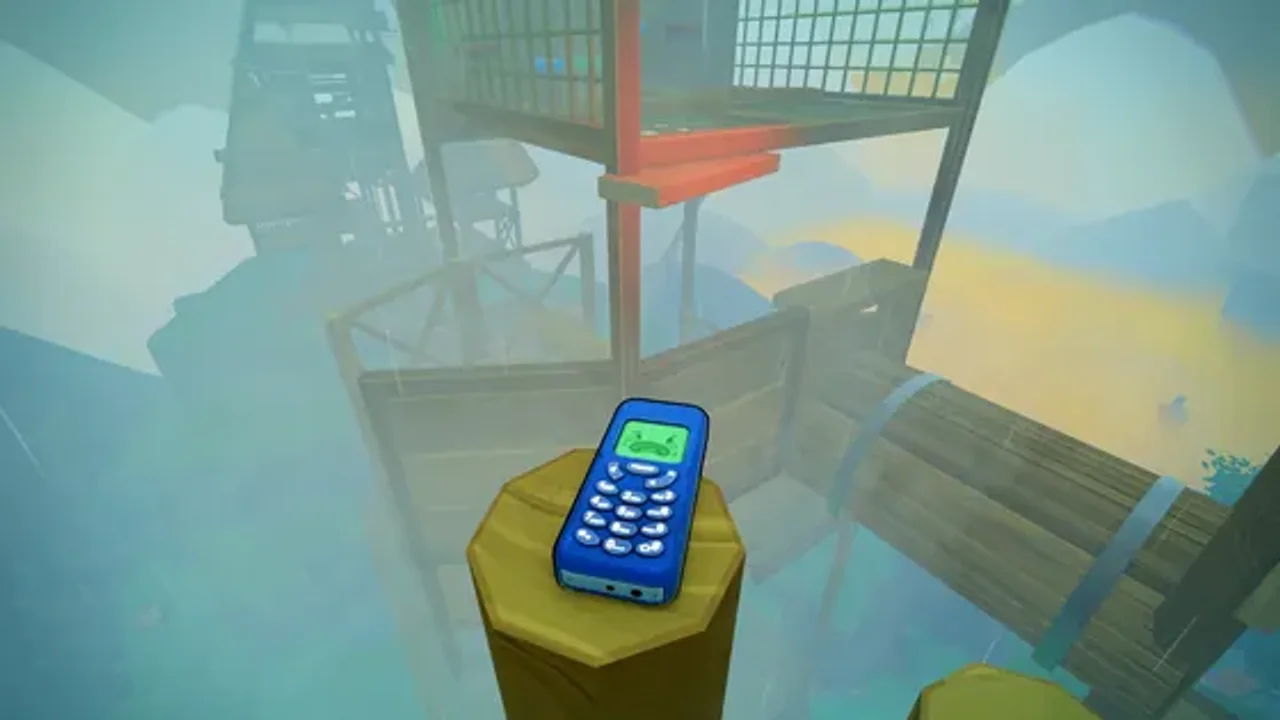
What Is the Best Way to Practice Jump Angles?
If you are still learning how half-flips and full-flips feel, start your first file in Flipping Is Chill mode or jump into a 16-player co-op session. Chill mode keeps the exact same physics engine as Flipping Is Hard, but turns on checkpoint antennas across all 10 Trashlands levels.
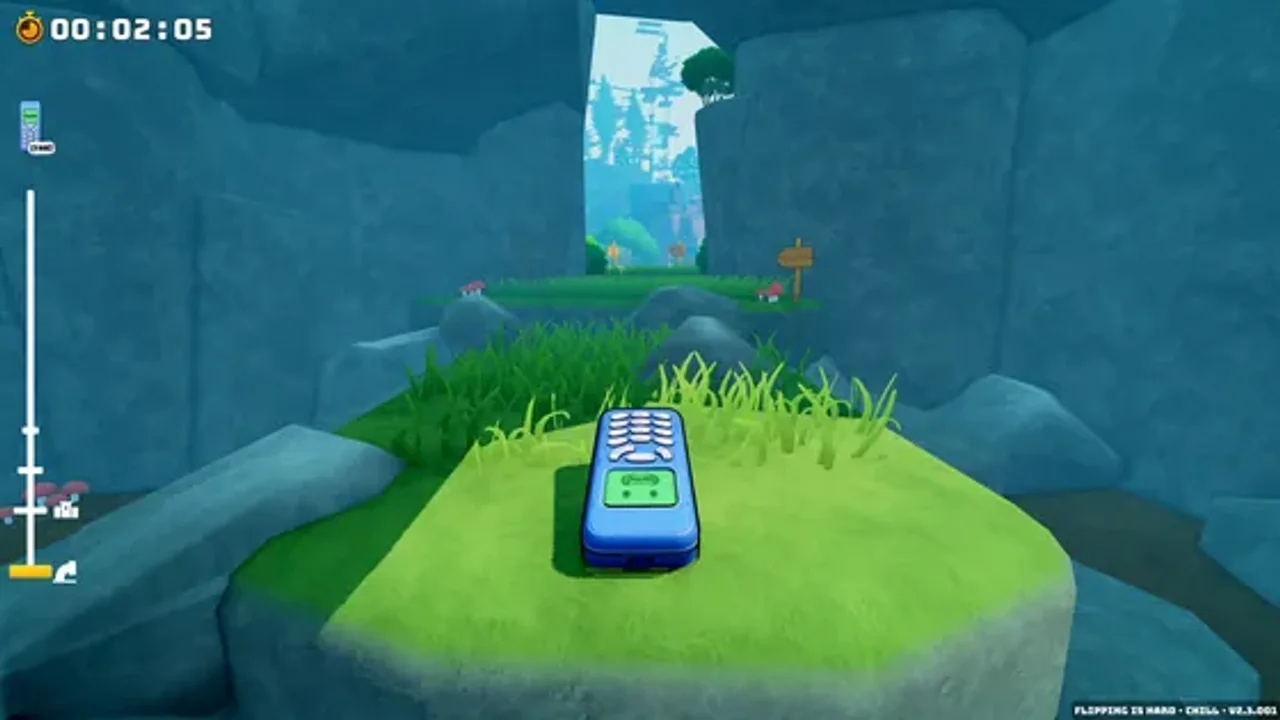
Once you can consistently chain three flat landings in a row without edge-rolling, you are ready to hunt down the 14 Golden Horse Coins, visit Ms. Elephant on the dollhouse roof, and tackle the Achievements & Speedrun Guide.
FLIPIA OS // VERIFIED ANSWERS
Frequently Asked Questions
Why does my phone keep flipping backward when I jump?
Can you control Flippy in mid-air?
How do I open the Phone OS menu?
Should beginners play Flipping Is Chill or Flipping Is Hard mode?
NEXT IN TRASHLANDS
Related Field Guides
guides
Flipping is Hard Achievements & Speedrun Guide — Fast Routes
Complete Flipping is Hard achievement roadmap and speedrun routing guide. Learn the fastest skips in Cardboard Fort, The Grid, and Hard Mode completion tips.
guides
Flipping is Hard Multiplayer Guide — 16-Player Co-op & Help Beam
How to host up to 16 players in Flipping is Hard multiplayer co-op, use the Help Beam to rescue fallen friends, and choose between Chill and Hard checkpoints.
Did this Trashlands guide help your climb?
Signal received! Thanks for the feedback.